Offering · Switching
A safe, seamless move to the new system.
We take over your existing data – from histories and attachments to customer data and Q&A articles. Both systems run in parallel until the switchover. You switch over as soon as the data has been reconciled and the numbers match.
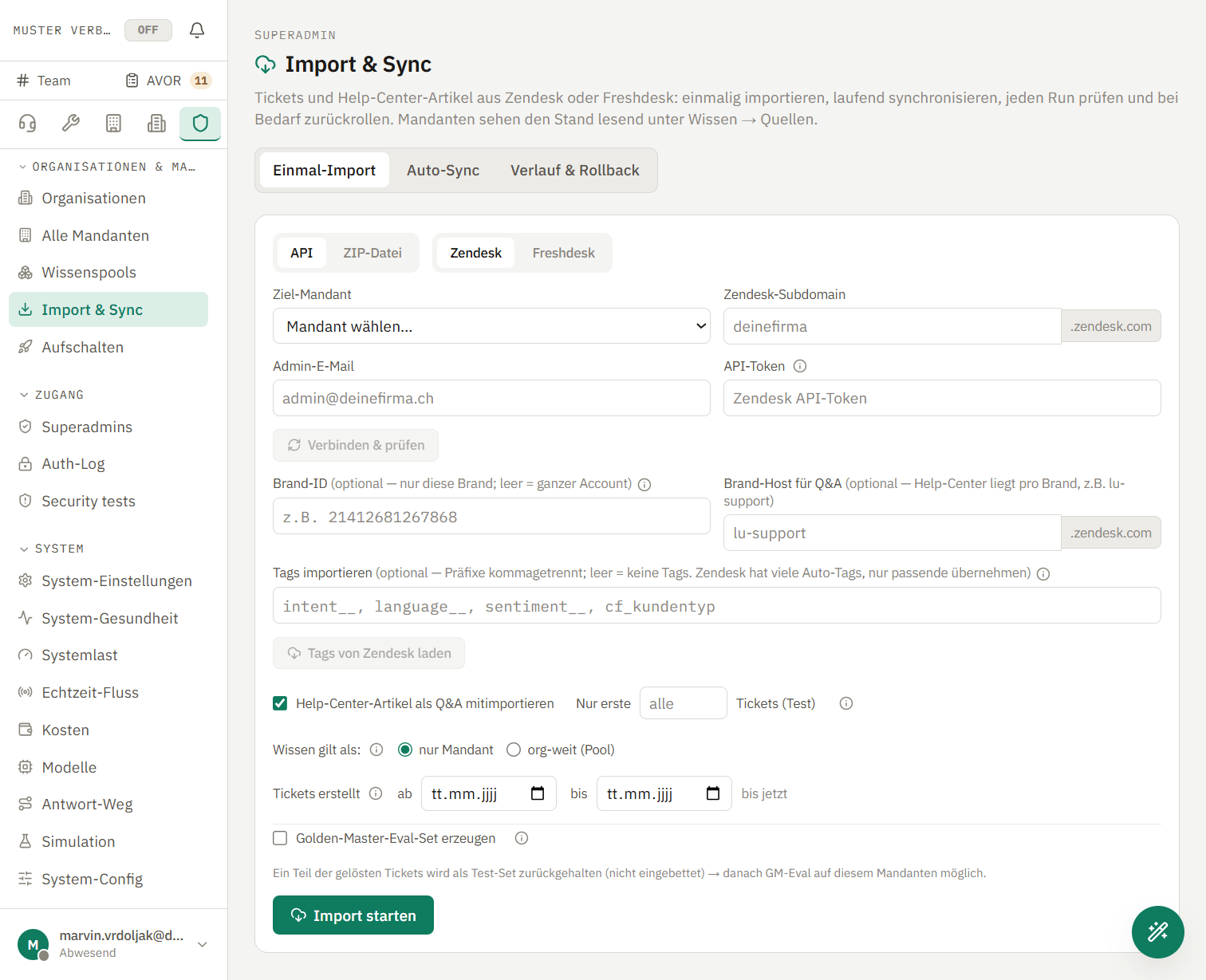
What comes along
Your knowledge and your data are available from day one.
Tickets with history
All previous requests including replies and attachments.
Customers and companies
Your customer data, so earlier cases are visible straight away.
Help articles
Your existing articles become Q&A in the Service Center, for the portal and the bot.
Process
How the switch works.
Your current system stays in use until the Service Center demonstrably works as well as your team.
01Take over existing data
Tickets, customers, companies and help articles come over from Zendesk or Freshdesk.
02Keep working in parallel
During the transition, both systems stay in sync. New tickets keep coming over.
03Test and compare
The bot writes test replies that only your team sees. Realistic test requests run through the workflows beforehand.
04Switch over
When the numbers are right, you switch. Not before.
Your configuration
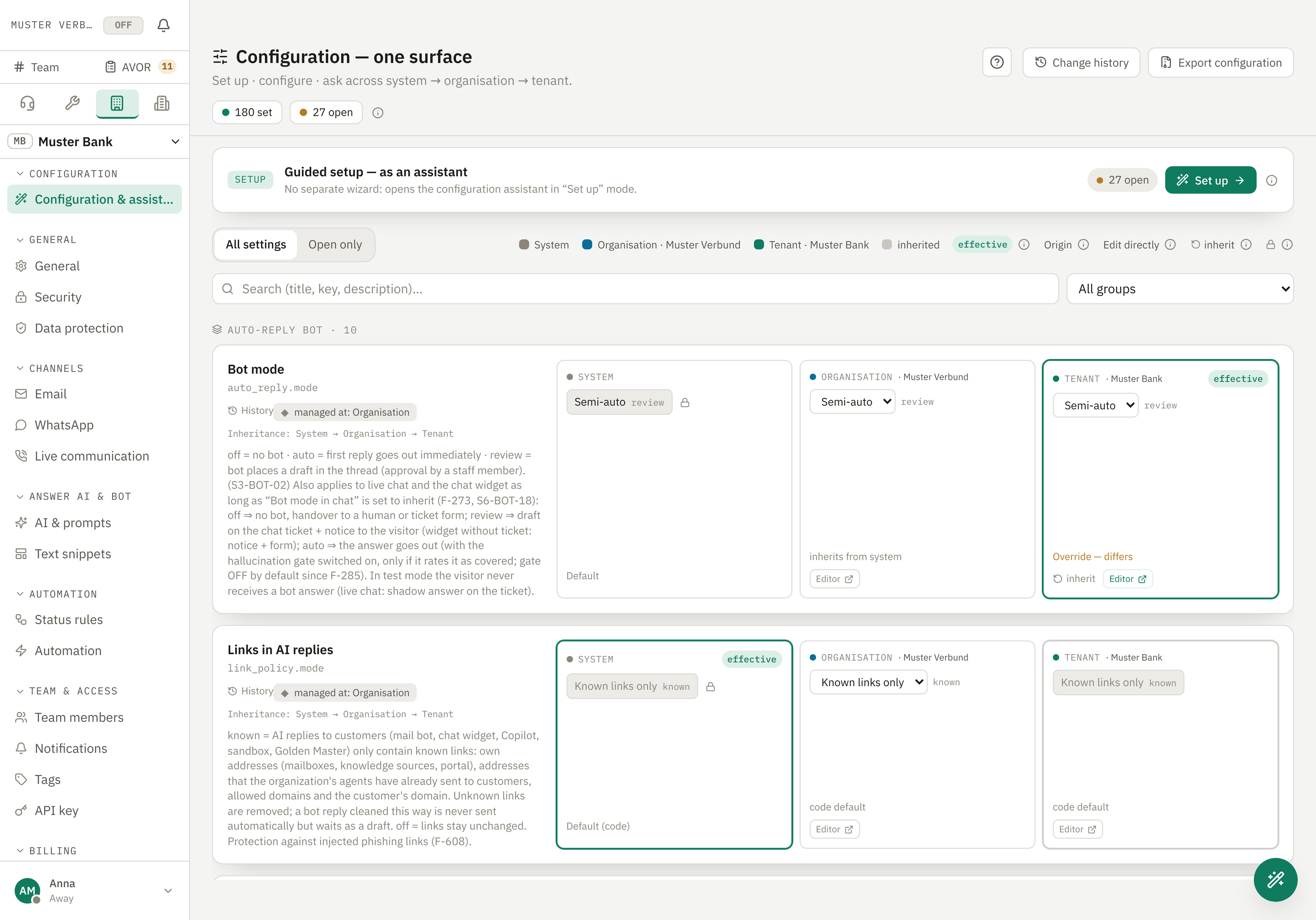
Export your configuration at any time.
Settings, instructions, rules, text snippets, Q&A content, designs and knowledge documents can be exported as a ZIP file at any time. Keys, passwords and customer data are not included in the export.
- Export at the push of a button
- Without keys, passwords and customer data
- Also useful for moving between operating models
Next step
Show us
your requests.
In a no-obligation demo we answer requests from your day-to-day work and discuss volume, channels and operating model.
Request a demoinfo@dudagroup.com